
Auth4App
MAX Messenger Authentication Now Available in Auth4App
-
2 minutes of reading
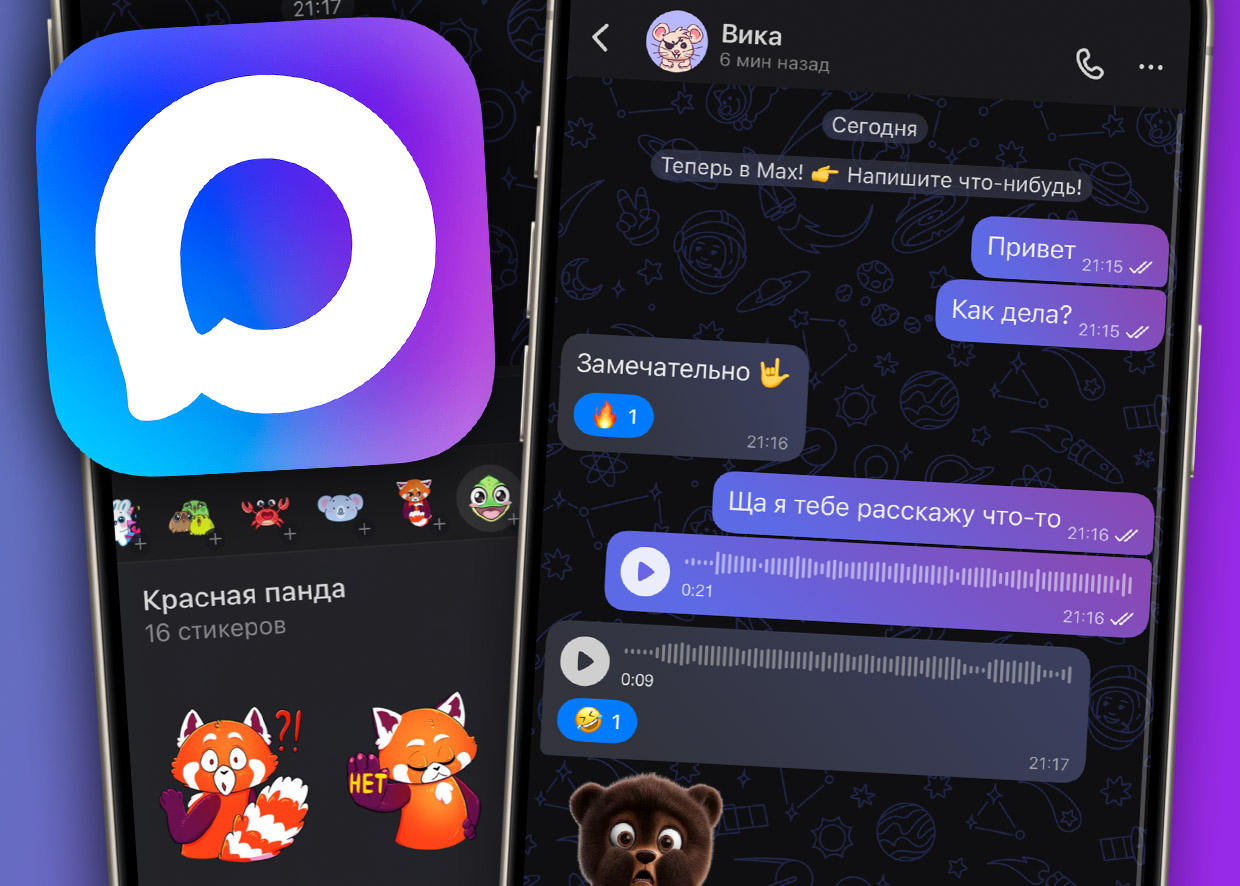
We've added messenger support MAX — It is now available among Auth4App login options along with Telegram, WhatsApp, and Viber.
If you implement authorization by phone number, your users can now confirm login with MAX.
How does authorization via messengers work?
Auth4App offers an alternative to SMS — confirmation of login via messenger. Instead of receiving an SMS with a code, the user:
-
Enters a phone number on the website or in the app;
-
Receives a 6-digit code on the screen;
-
Clicking the button goes to the selected messenger (for example, MAX);
-
Sends this code to the chatbot;
-
The system recognizes the code and automatically completes the login.
It is safe, fast and does not depend on SMS networks.
Why use messenger login
Authentication via messengers is a modern alternative to traditional SMS codes. This login method:
-
Works all over the world without depending on mobile operators;
-
Does not require SMS costs, especially when shipping internationally;
-
Bypasses restrictions on corporate or secure networkswhere SMS may not arrive;
-
Provides protection against SIM spoofing and message interception.
MAX is now on the list of supported messengers
With the addition MAX You can offer your users another way to log in, especially if the audience is actively using this messenger in everyday life.
MAX support is active by default and does not require additional configuration if you are already using Auth4App.
How to connect
The following is enough to get started with Auth4App:
-
Sign up for auth4app.com;
-
Set up sending a one-time code through our API;
-
Connect one or more messengers — including MAX — in your personal account;
Now authorization via MAX messenger is available on Auth4App. This is another convenient and secure way to log into your web and mobile apps — without SMS and with minimal latency. Are you ready to get started? The first 100 authorizations are free of charge.